Build a team of virtual employees that handles your inbox, answers customers, digs through your site's data, and runs your Google and Meta ad campaigns: practically anything you'd do yourself. It runs on your own server, with your own keys, under your control.
# install (one line)
curl -fsSL https://pepe-agent.com/install.sh | sh

# scaffold, connect a model, add an agent
pepe setup
pepe model add openrouter --api-key '${OPENROUTER_API_KEY}' --model openai/gpt-5-chat
pepe agent add assistant --tools bash,web_search,send_file

# talk to it, or serve it to every surface
pepe run assistant "summarize this repo"
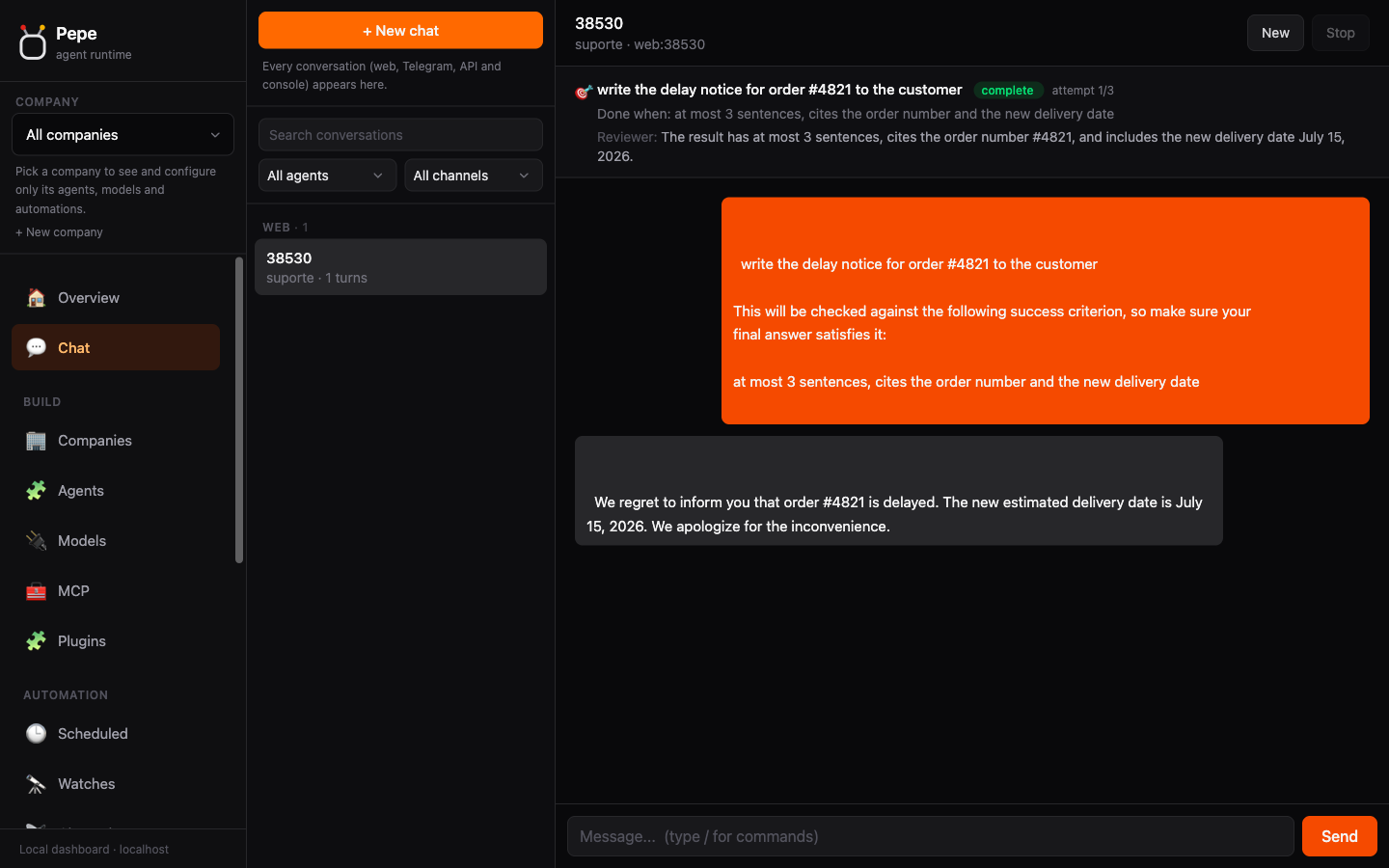
pepe serve --port 4000A prompt buys one turn: the agent answers, and you decide whether it's good enough. That makes you the bottleneck, approver and quality inspector at once, and the work only moves while you're at the keyboard. Give it a goal instead: say what "done" means, and Pepe keeps working until an independent reviewer agrees it's met.
# a prompt gets you one answer, and you grade it
pepe run "clean up the customer list"

# a goal keeps working until a reviewer says it's actually done
pepe goal "clean up the customer list" \
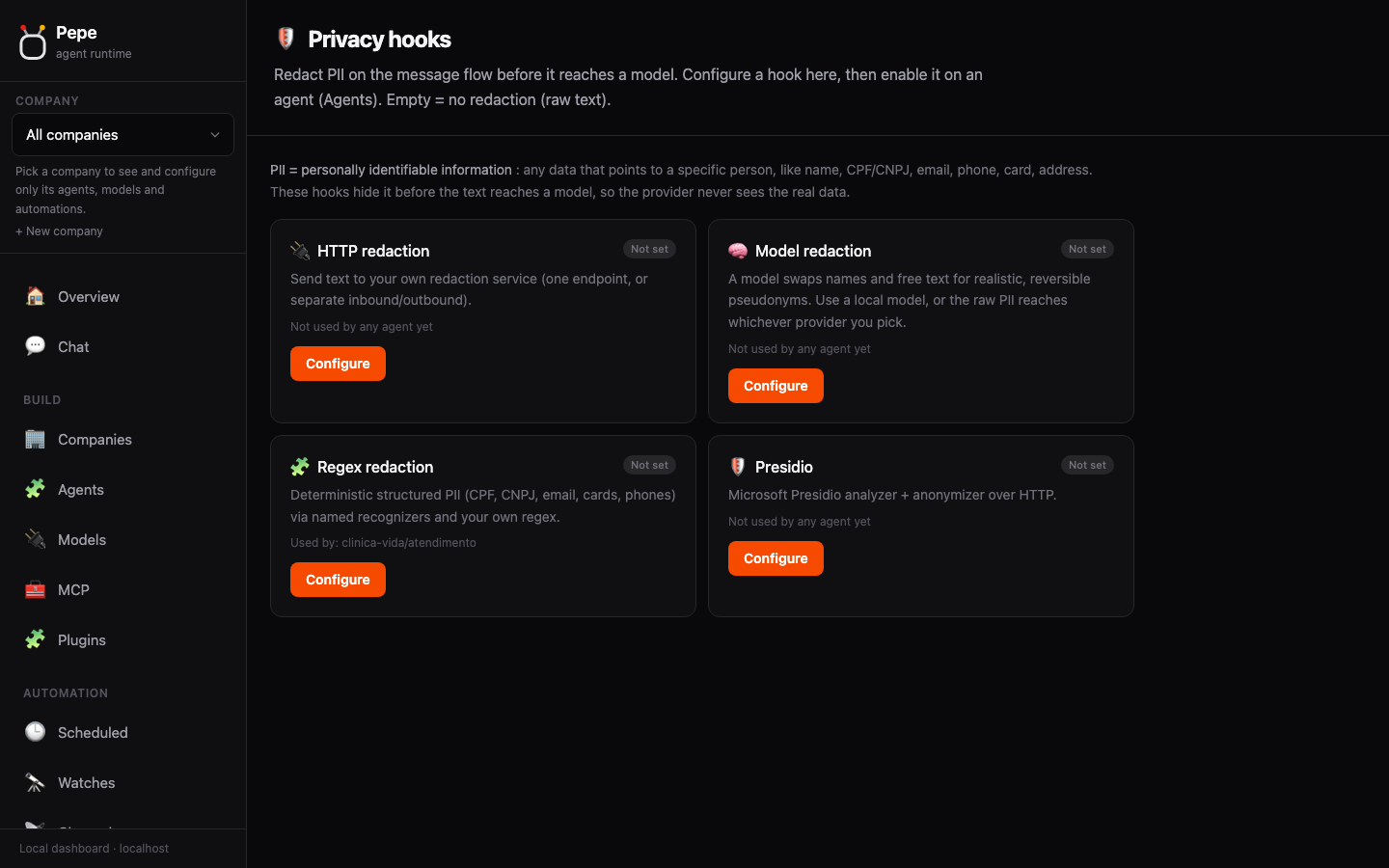
--criteria "no duplicate emails, every row has a valid phone"Calls tools, reads the results, calls more. Stops when it has a real answer, not a guess.
You set the objective and what counts as done. An independent reviewer decides, not the agent. Not there yet? It gets the feedback and tries again.
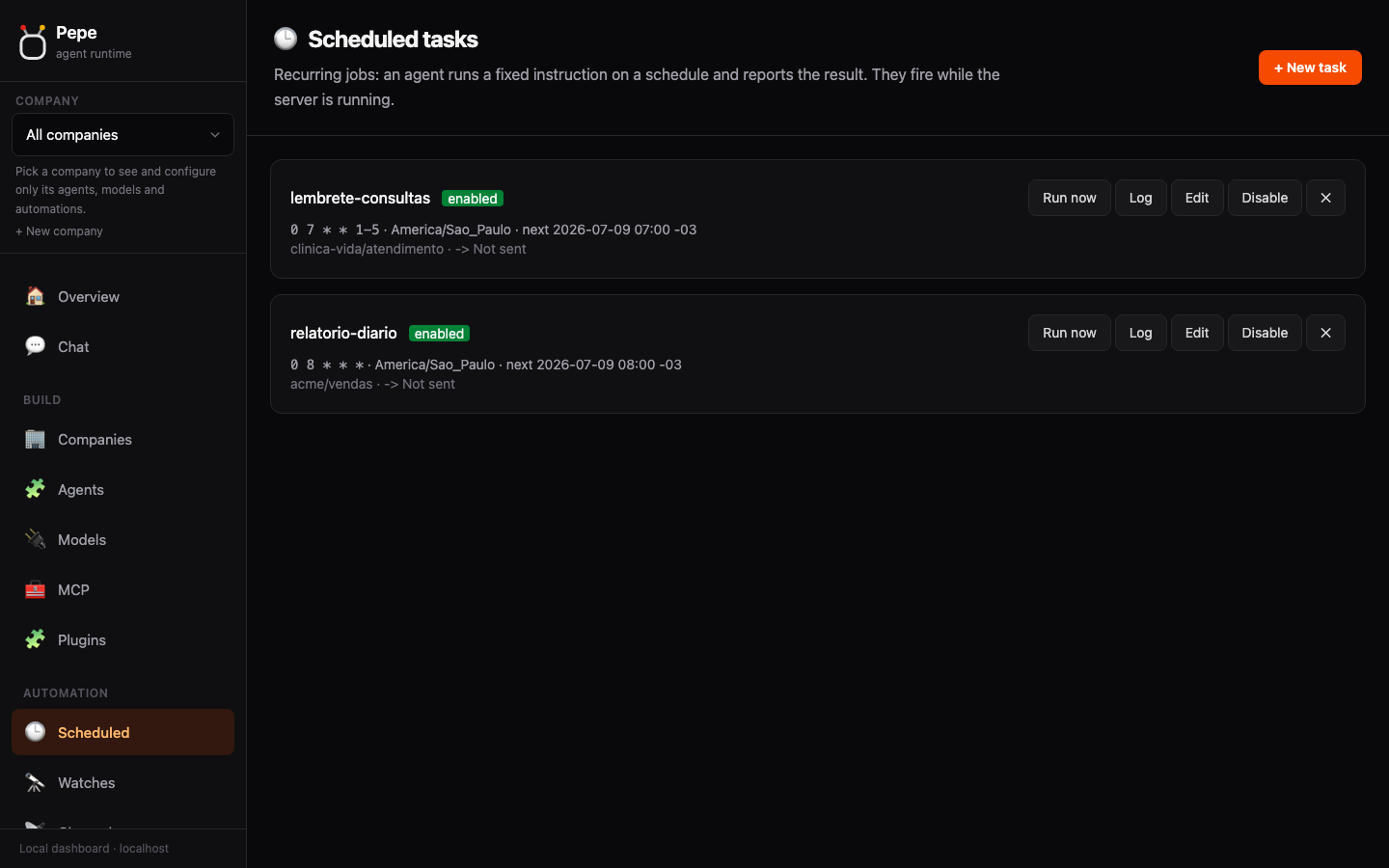
Recurring work on a schedule. Runs on its own and catches up on whatever it missed.
One script can call several tools with real branching logic in a single pass, or fan a task out to parallel sub-agents that each answer on their own. That's graph engineering in practice: a workflow shaped like a graph, not one long chat turn.
Define an agent once. Use it from the surface that fits the job, with the same tools and memory.
One-shot runs and an interactive REPL.
OpenAI-compatible: /chat/completions and /models, from any SDK.
A WebSocket connection for live, streaming conversations.
Telegram, WhatsApp, Slack, Discord, Teams, Google Chat.
Common jobs once the right tools are connected.
Schedule posts, answer comments, and track mentions across platforms.
Read your inbox, draft replies, and file messages by topic.
Watch spend and performance across Meta, Google, and LinkedIn Ads, then report daily.
Answer people on WhatsApp, Slack, or Telegram, with human handoff when it matters.
Recurring tasks and one-shot watches that notify you when something changes.
Pull numbers from your own tools and ship a summary on a schedule.
Watch Sentry, AppSignal, and other monitoring tools, then surface what actually needs a human.
Query your database and turn raw numbers into useful next steps.
Turn a transcript into a summary and action items, delivered where the team already talks.
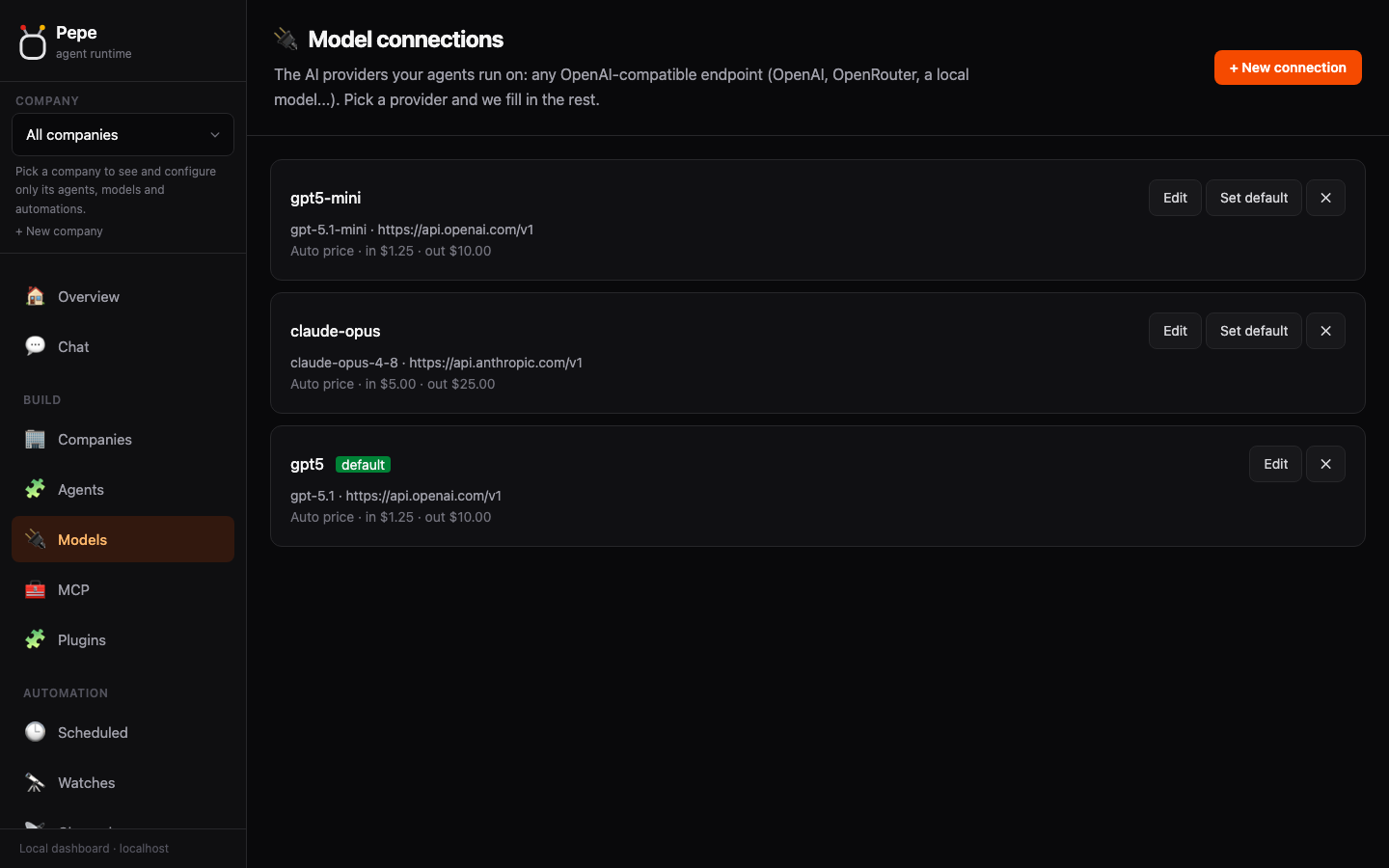
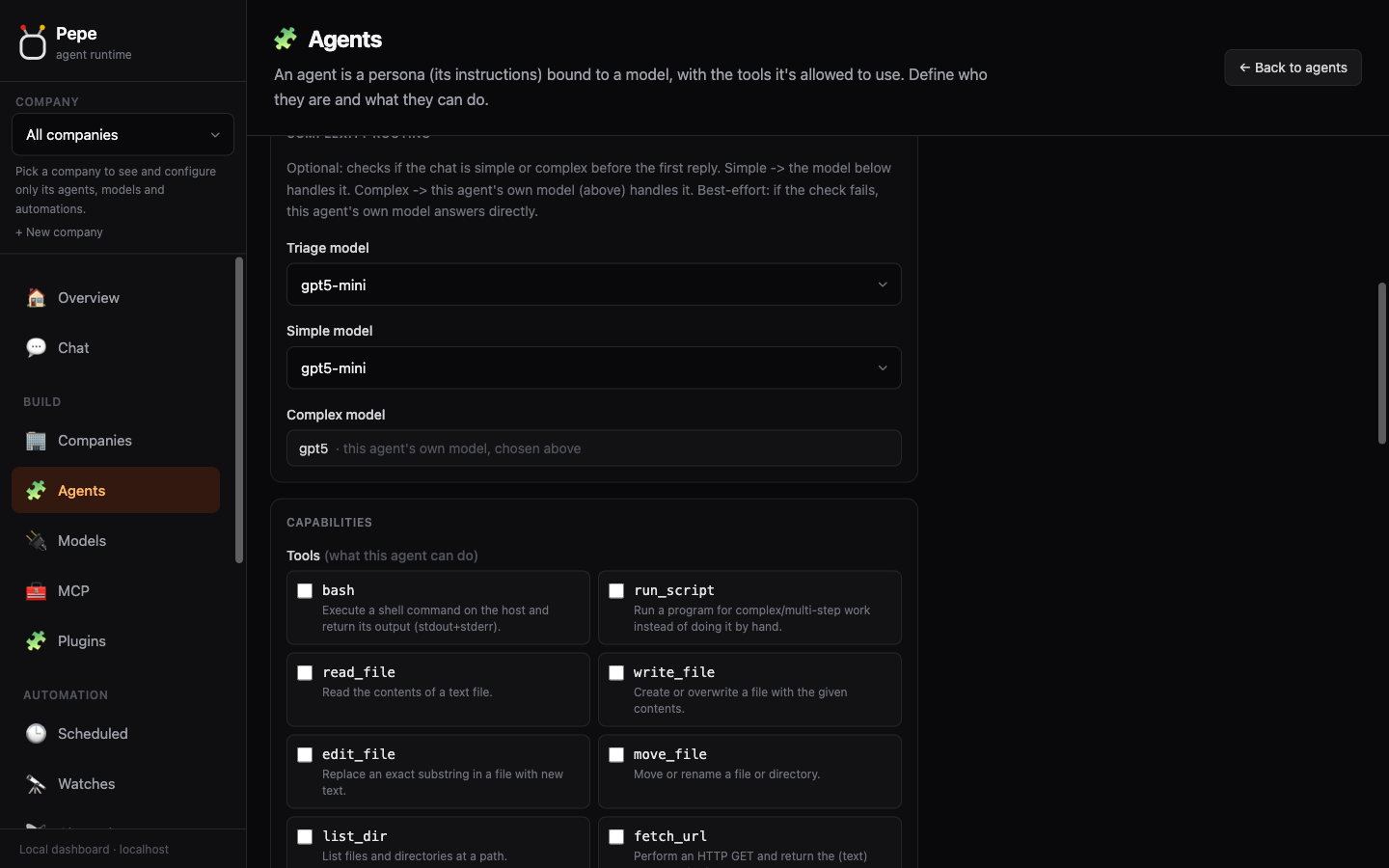
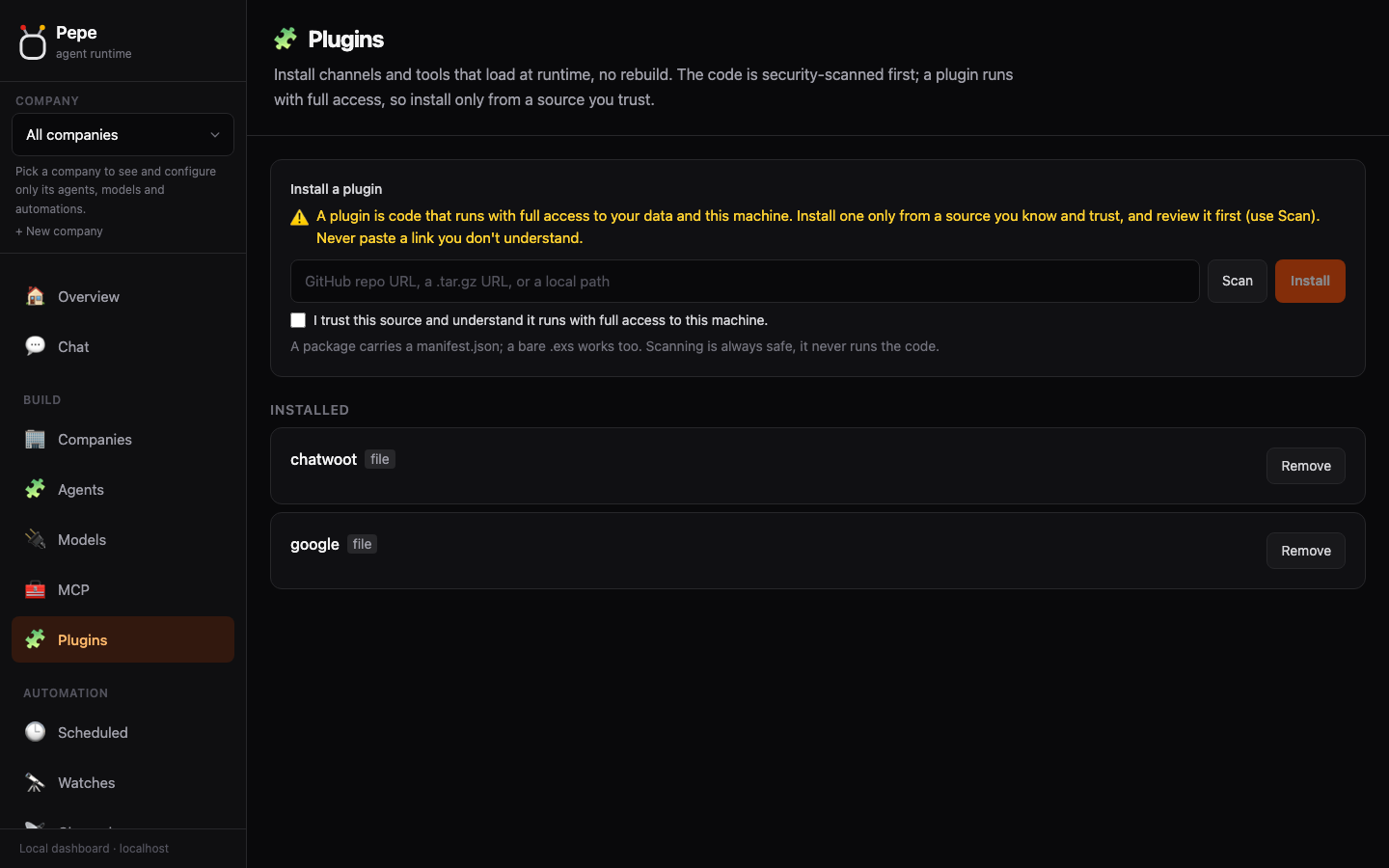
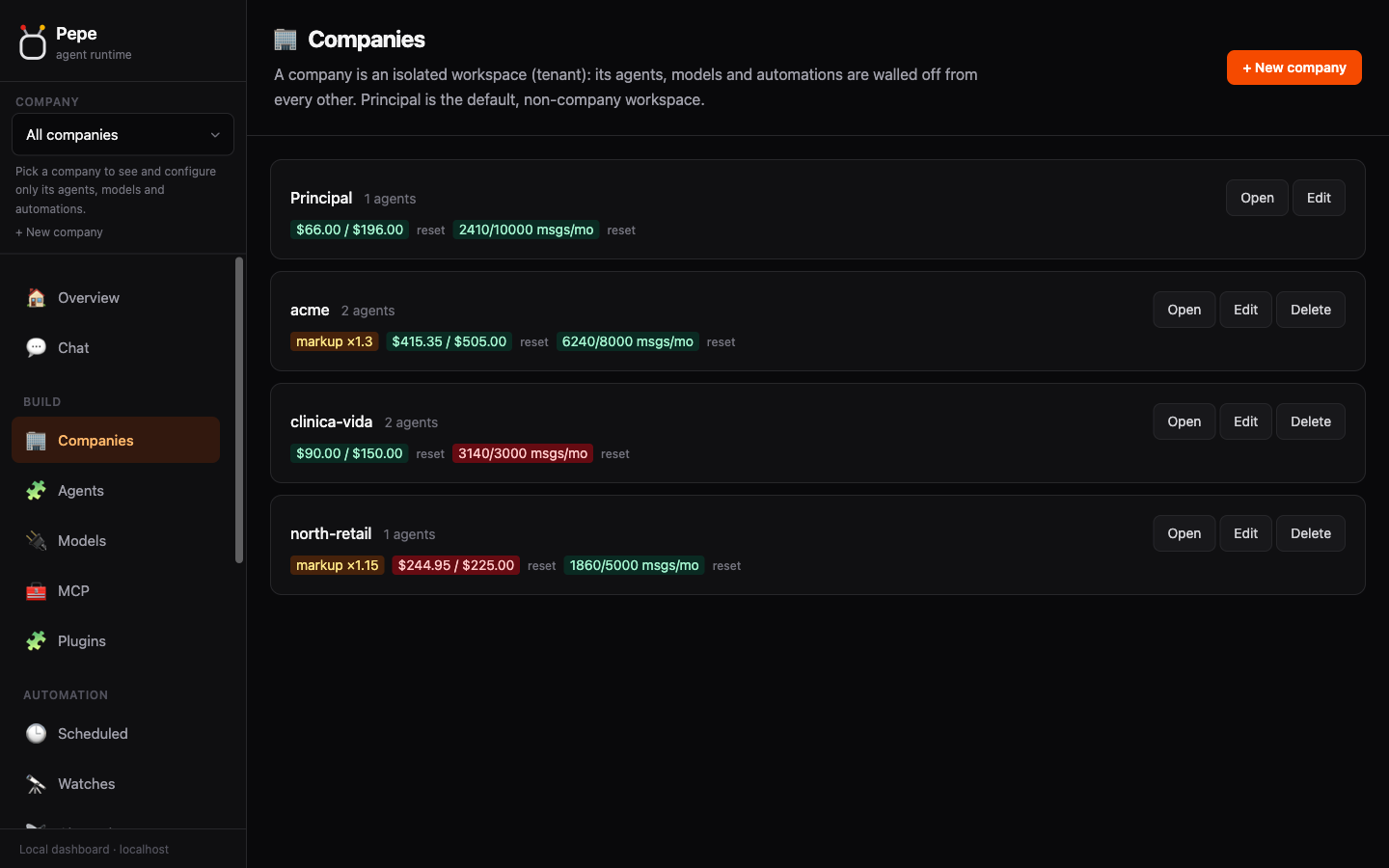
Model access, tools, automation, plugins, and control in a small self-hosted runtime.
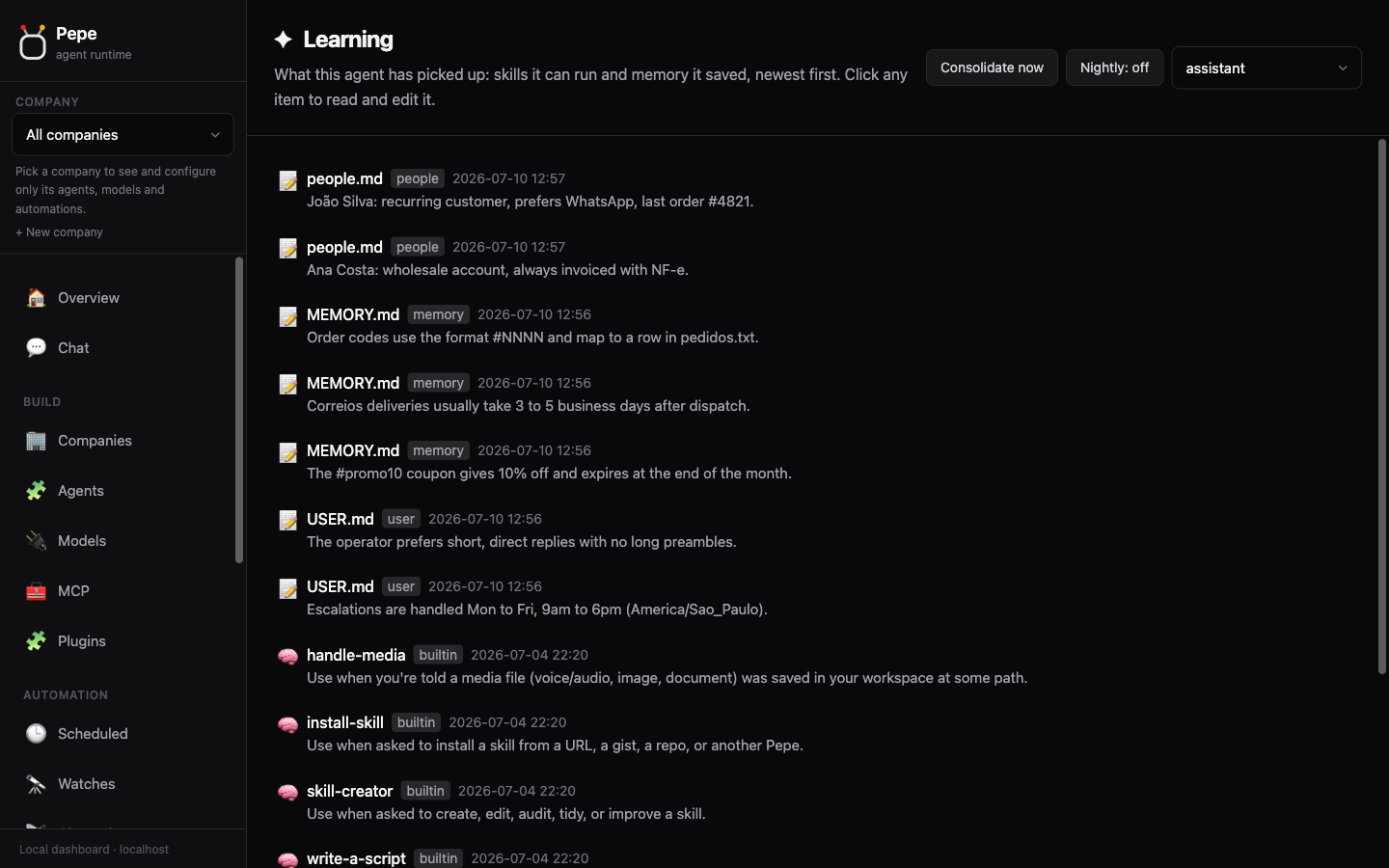
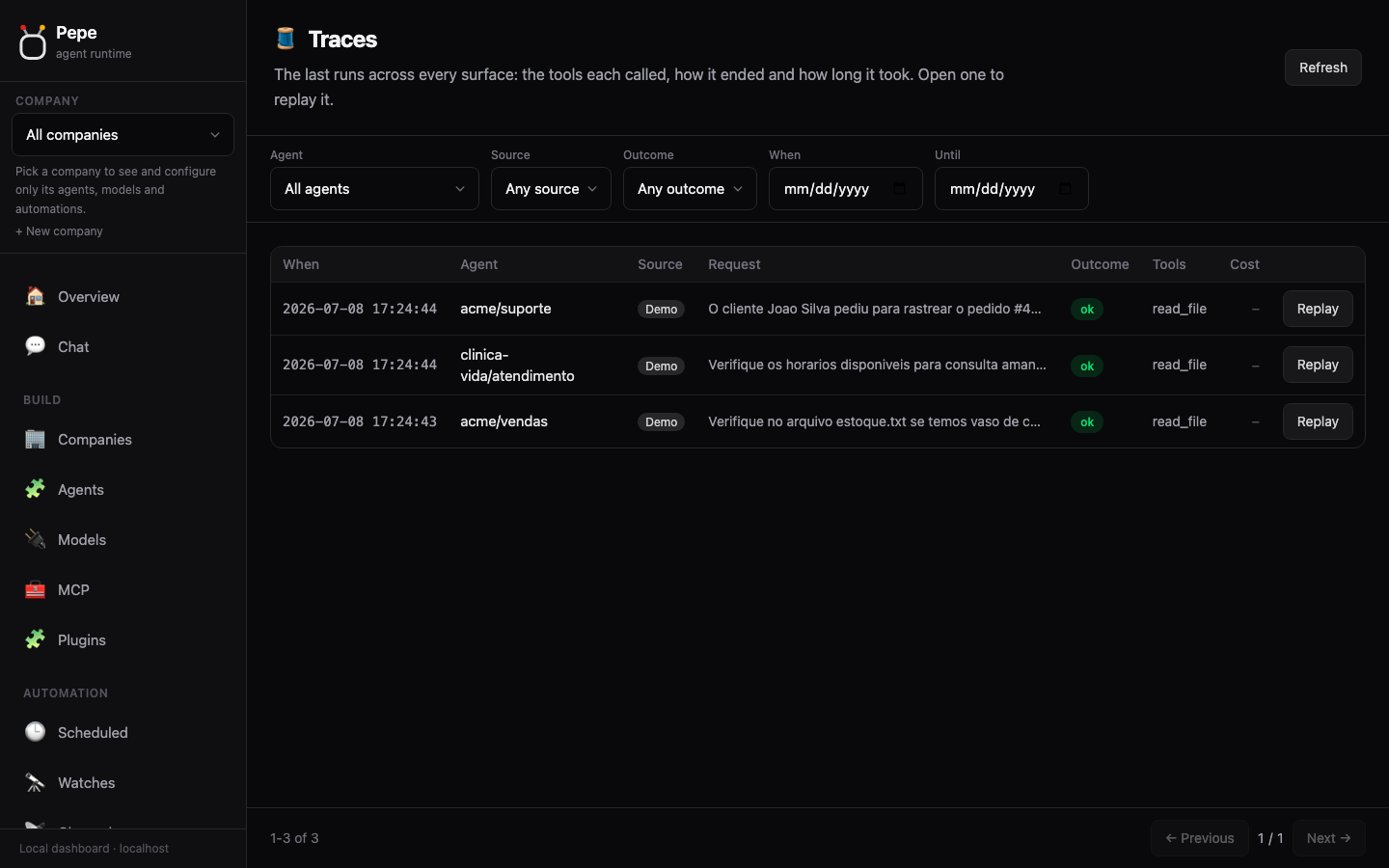
Connect a channel and the agent answers there. Files, handoff, and scoping are built in.
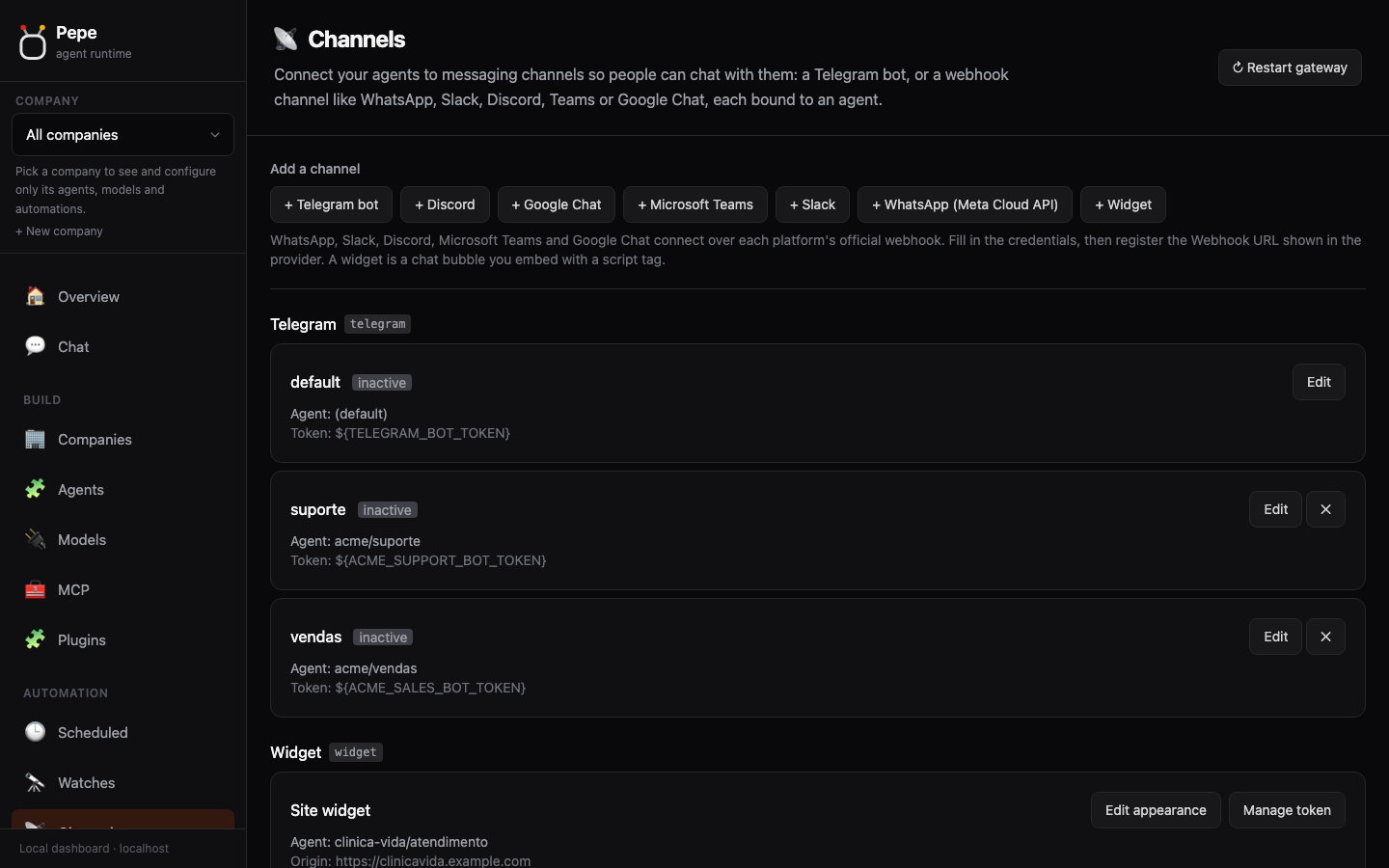
Paste one script tag on your page and this exact bubble goes live: no backend to write, no build step. A handful of optional attributes set the color, greeting, and language, so every visitor gets answered in the site's own language from the first message.
See the widget docs →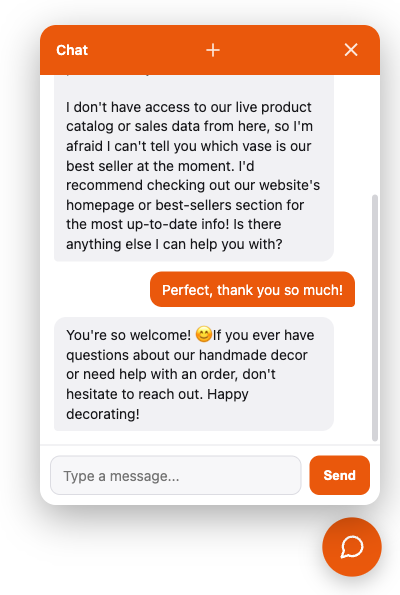
Sensitive data is never sent to an external model in the clear, helping you meet requirements like LGPD, GDPR, and HIPAA.
My SSN is 123-45-6789, can you check my order?The message exactly as they typed it.
My SSN is [SSN_1], can you check my order?Pepe swaps the sensitive value for a token before the request ever leaves your server.
Found the order for [SSN_1]: it ships tomorrow.It reasons over the token. It never saw the real value, and never stored it.
Found the order for 123-45-6789: it ships tomorrow.Pepe puts the real value back, on your side only.
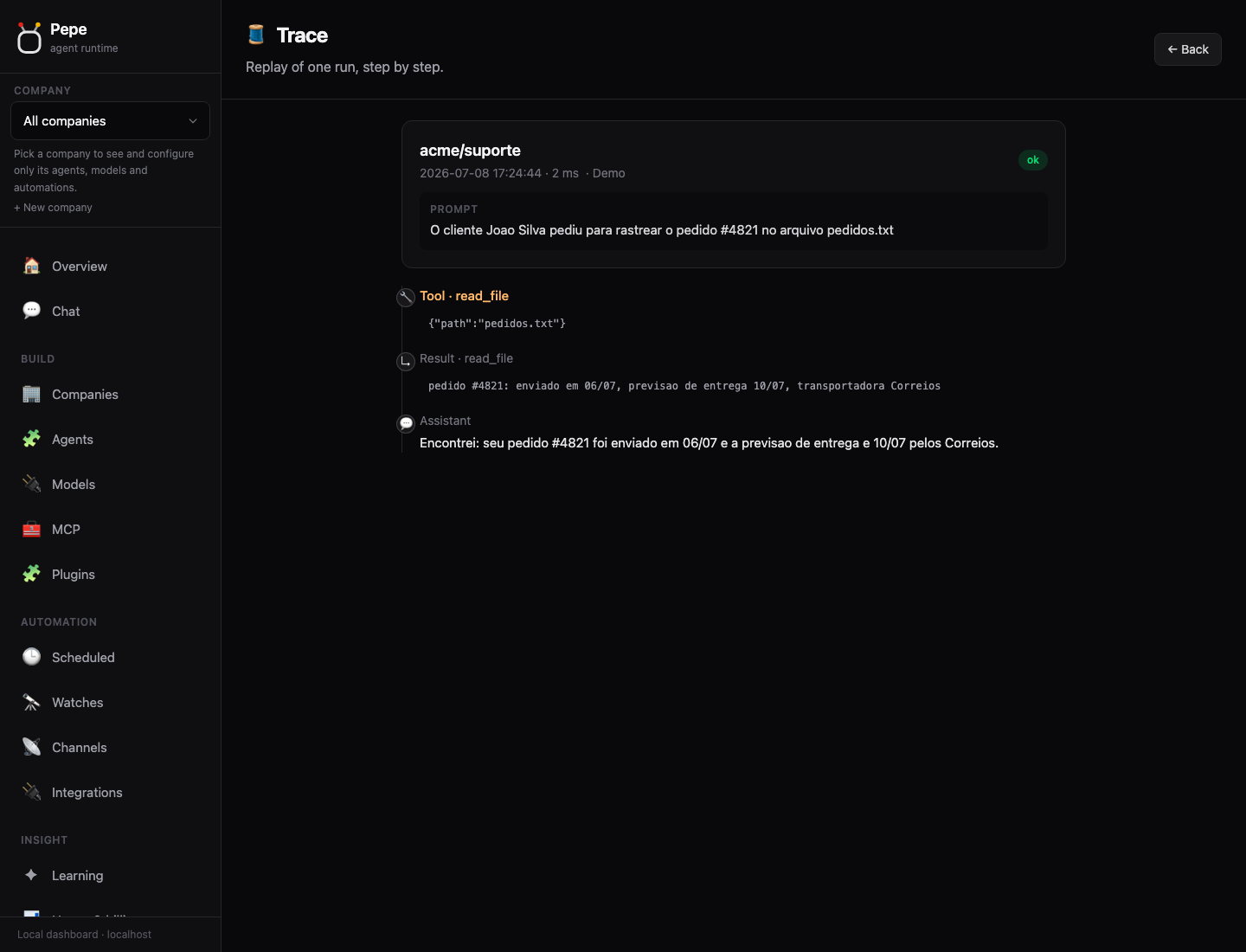
Zooming into the turn loop: Pepe calls the model, runs the tool calls it asks for, feeds the results back, and stops when the answer is ready.
Send the conversation and the agent's tool specs to the model (with failover).
Execute what the model asked for. Shell, files, web. Through the permission gate.
Append each tool result to the conversation and call the model again.
Return the final reply on the surface that asked, then record the run as a trace.
Pepe was born out of solving real problems across a range of companies I provided development services to: some needed a simple way to run their marketing without expanding headcount; others wanted to connect their ERP and database to an agent capable of answering their team's questions, without compromising on security. The project didn't start as open source: it was internal, proprietary tooling, custom-built for each client. But the results proved consistent enough, across different enough businesses, that I decided to give it a name, an identity of its own, and release it as open source, for anyone to use and contribute to.

The name nods to Chespirito's comedy universe, loved across Latin America. Pepe's joke was simple: he did exactly what he was told. No debate, no freelancing. That is a pretty good brief for an agent runtime.
Open source. Bring your model. Keep the runtime, keys, and data under your control.
